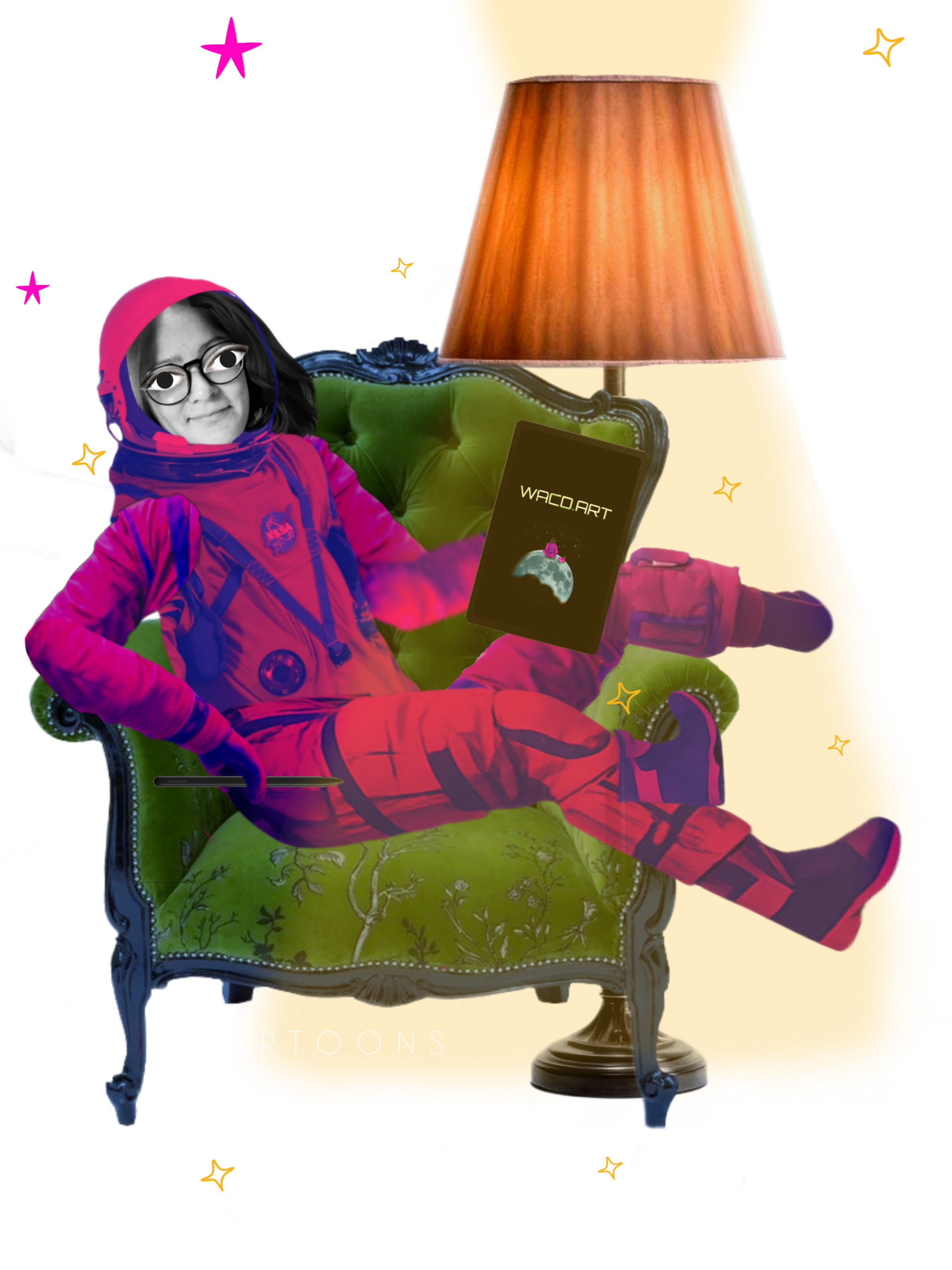
People often assume that serious animation requires a powerful computer and expensive software. My experience is different. Everything I make — including a 10-minute animated film with full character dialogues — was made on mobile, using two free apps.
The workflow I am about to describe is not a shortcut. It is a real production process that produces real results. It is just entirely mobile.
The two apps I use
Animation
Alight Motion is where I build and animate everything — characters, scenes, effects. It handles keyframe animation, parent layers, blend modes, distortion, glow and frame-by-frame work. This is where the animation actually happens.
Assembly and editing
CapCut is where I put everything together. After animating each scene separately in Alight Motion, I import them into CapCut in the right order, add transitions between scenes, layer in sound effects and music. CapCut does not animate — it edits. That distinction matters.
My process step by step
What do I want to show?
Most of the time clients give me creative freedom — they say what they need but let me decide how to do it. So the first thing I do is find the idea. Who are the characters? What is the story? What feeling should the viewer have at the end? I think about this before touching any app.
Planning the structure
Once I have the idea I break it into scenes. How many? What happens in each one? What order do they go in? This is a simple plan — sometimes just notes, sometimes rough sketches. It saves a lot of time later because I know exactly what I need to build.
Building the cast
I create characters from separate pieces — a head, a body, arms, legs, a mouth. Each piece is its own layer in Alight Motion. For collage animation this means cutting real photos or illustrations into parts. The character does not exist as one image — it is an assembly of movable pieces.
The mouth is the most complex part. If a character speaks, I need every mouth position — every vowel, every consonant — drawn or cut separately. This is frame-by-frame lip sync, and it is slow, careful work.
Building the world
Backgrounds come from different places depending on the project. Sometimes I find images online. Sometimes I photograph something myself — a texture, a surface, a sky. Sometimes I generate a background with AI tools and then paint over it or combine it with other elements.
Usually one project uses a mix of all three. That mix is part of what gives collage animation its distinctive texture — it feels assembled from the real world rather than drawn from scratch.
Bringing it to life
I animate scene by scene. Each scene is its own Alight Motion project. I place the background, add the character pieces, then set keyframes for movement — position, scale, rotation. I use parent layers to connect body parts so they move together naturally. I add effects — glow for cosmic scenes, distortion to make characters breathe, star fields for space backgrounds.
When the scene is done I export it as a video file and save it with a clear name so the order stays obvious.
Putting it all together
Once all scenes are animated and exported, I open CapCut and import them in order. Here I add transitions between scenes, adjust timing, layer in sound effects and choose the music. CapCut is fast and intuitive for this kind of work — it is not an animation tool, but as a mobile editor for assembling finished scenes it does exactly what I need.
The final export comes out of CapCut as a finished film.
I have been asked many times whether mobile animation is "real" animation. The answer is in the work. What matters is not the device — it is the idea, the craft and the time you put in.
You can watch the results on YouTube and Instagram. If you want to order a collage animation for your project, you can reach me through the contact form.